
One-glance trade clarity
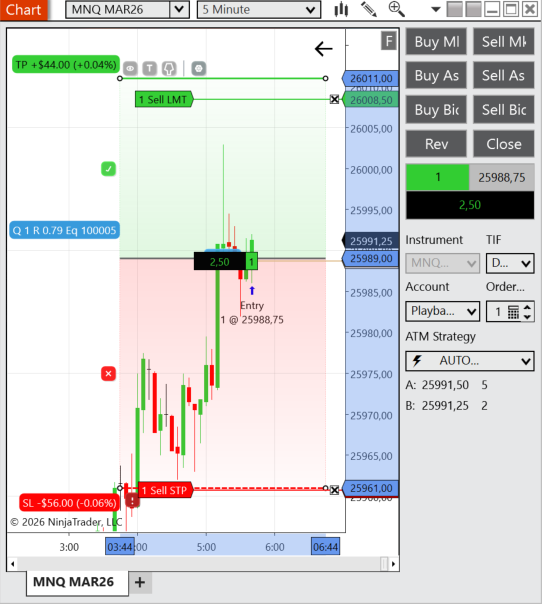
Entry, stop, target, risk, and reward are visible instantly so you can focus on the decision.
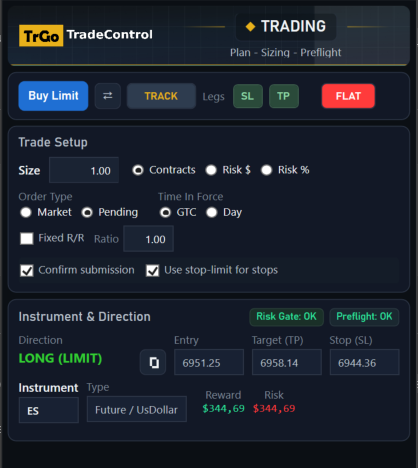
Drag Entry, Stop, and Target on the chart to see risk and reward instantly, then launch an ATM strategy in one click.
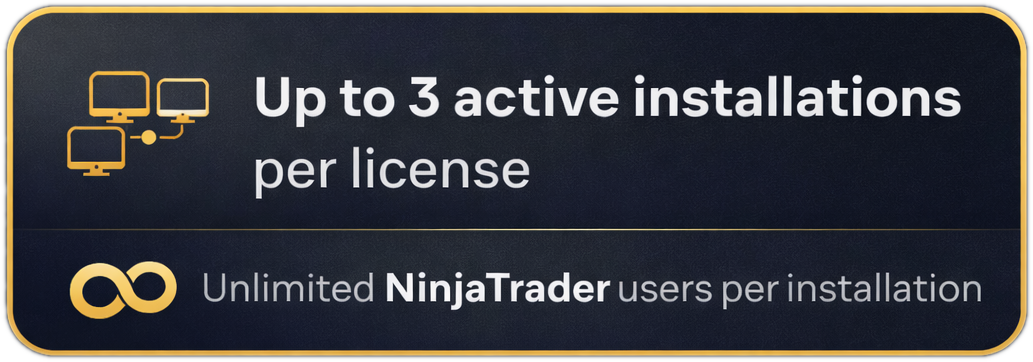
Activation = one Windows user profile on one machine.
How it works
Built to remove hesitation, clicks, and window hopping.
Drop Entry, Stop, and Target on the chart and see risk/reward instantly with clean labels.
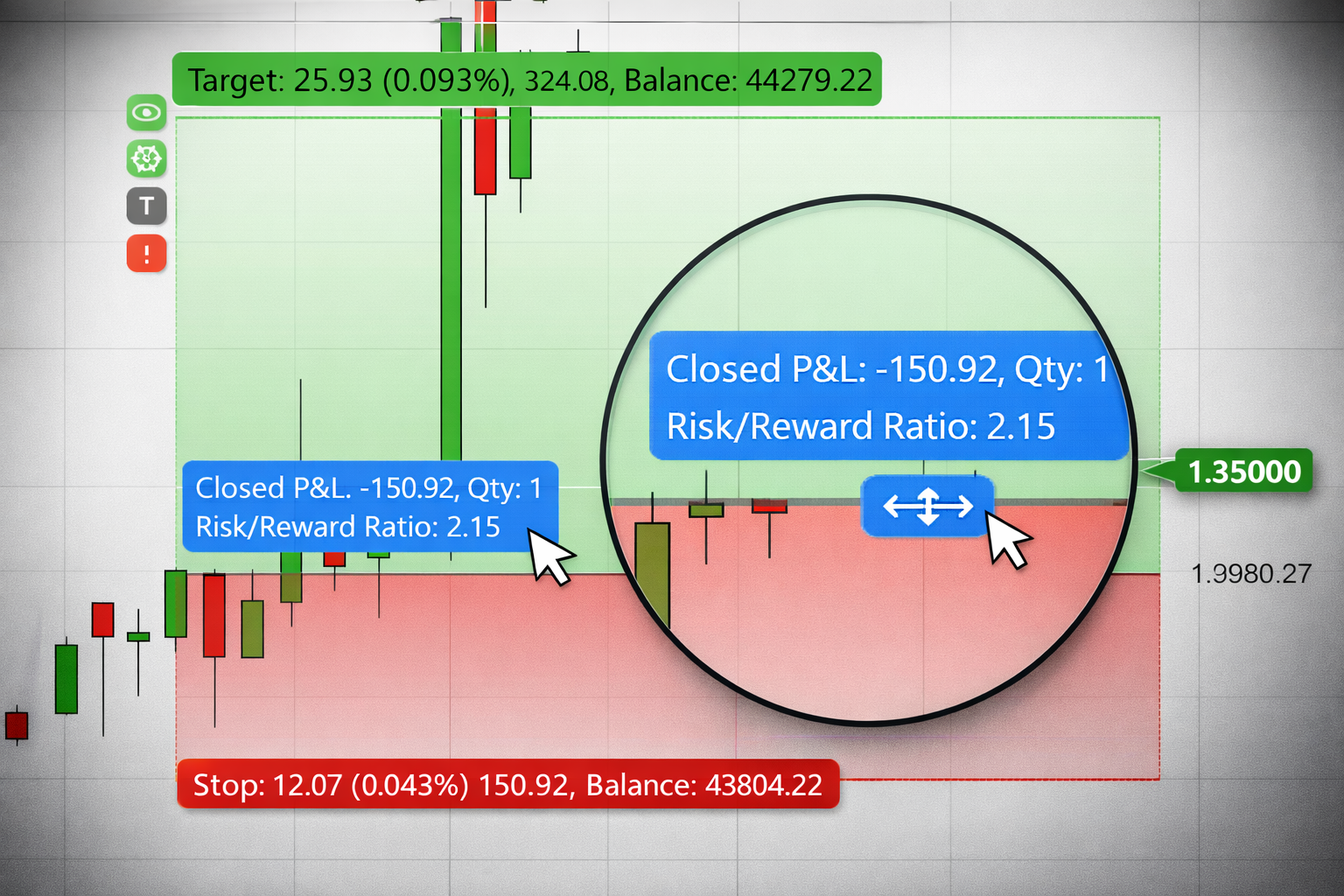
Choose contracts, dollars, or percent risk. TradeControl updates size as you drag.
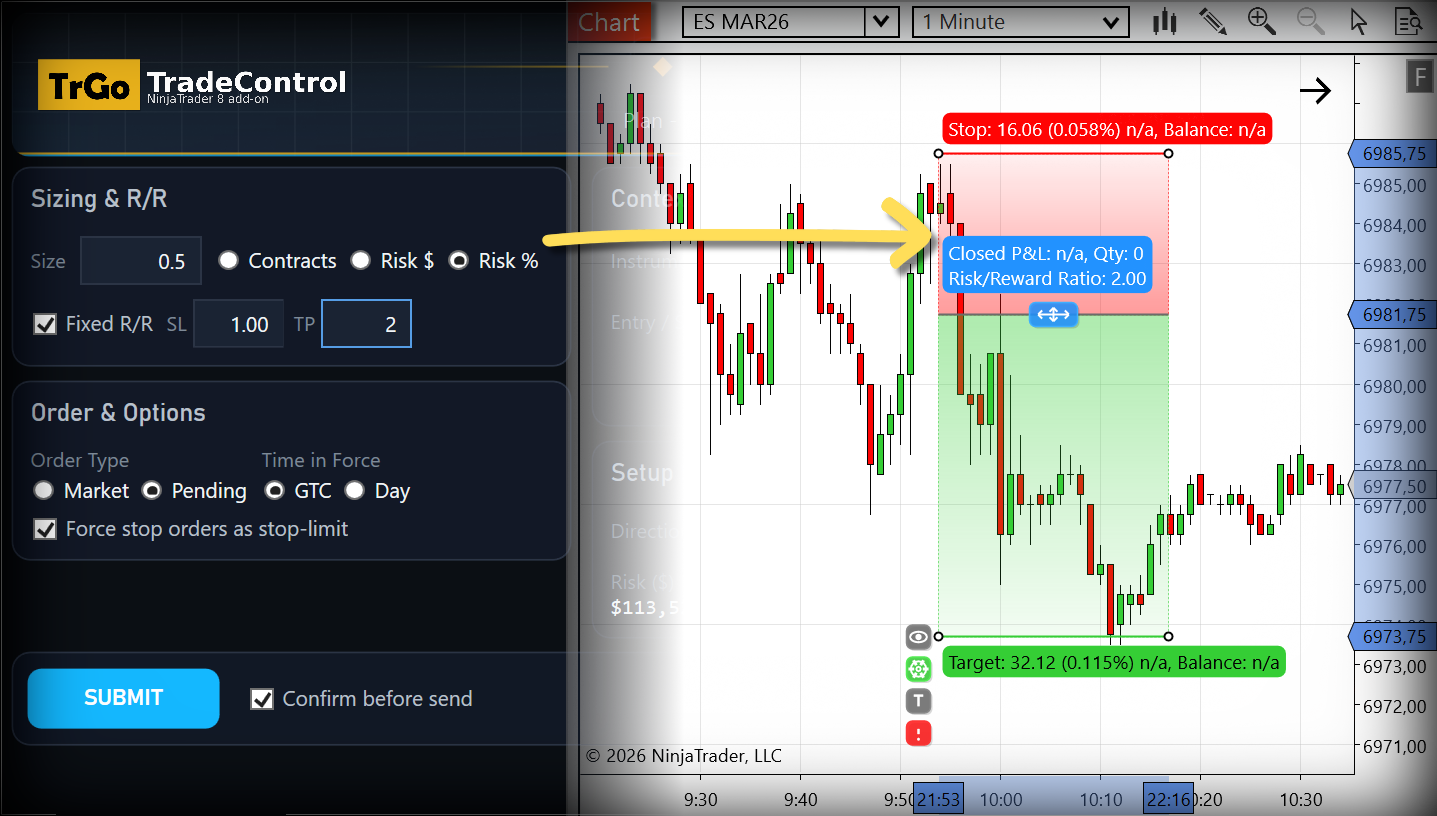
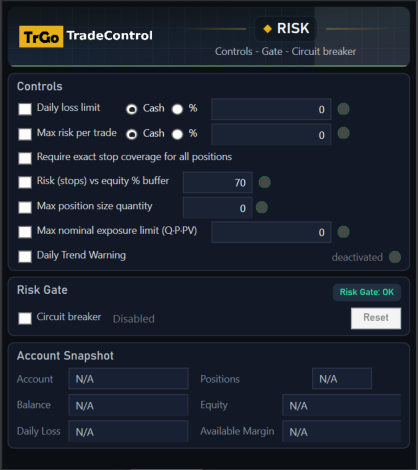
Submit the ATM immediately. Add optional guardrails (risk checks + circuit breaker) in select plans.
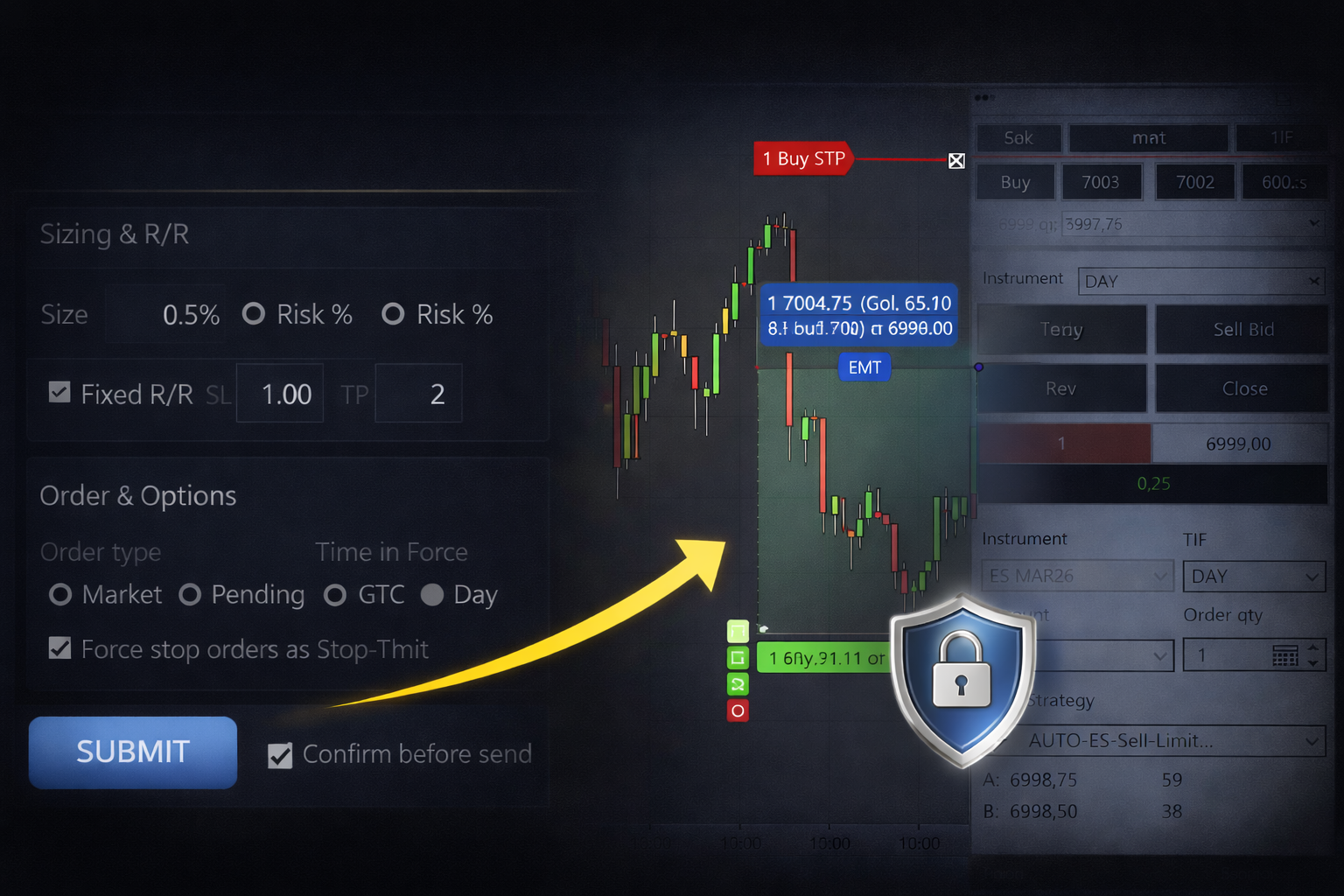
TradeControl keeps you in flow with chart-first clarity, instant ATM execution, and customizable optional guardrails in select plans that keep trades inside your plan.
Entry, stop, target, risk, and reward are visible instantly so you can focus on the decision.
Generate and launch your ATM without template headaches or window hopping.
Optional guardrails in select plans: risk checks and a circuit breaker can block new trades until you reset.
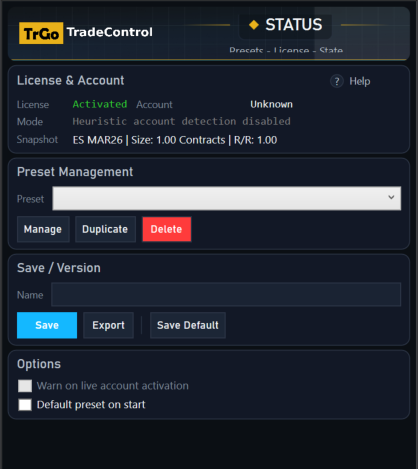
Presets for consistent execution across sessions.

Pricing
Start free for 30 days, then choose the plan that fits your workflow and risk needs. Checkout is handled on the NinjaTrader platform.
Ends automatically. Upgrade anytime.
Start Free 30-Day TrialStraightforward Execution
Fast execution and clean sizing.
$17 per month ($204 billed annually). Price before taxes.
Best for Serious Traders
Advanced, configurable risk guardrails for disciplined execution.
$42 per month ($504 billed annually). Price before taxes.
Licensing: Each plan includes a set number of simultaneous activations. Each activation supports unlimited NinjaTrader accounts.
"Standard: fast chart first execution and clean sizing."
"Pro: adds opt in rule enforcement, pre trade safety checks, and a circuit breaker."
Purchases and trials follow our Terms and Privacy Policy. Marketplace checkouts follow their own terms and processes.
Yes. TradeControl is built for NinjaTrader 8 and runs inside the platform.
Your plan includes up to 3 simultaneous activations. An activation is tied to one Windows user profile on one machine.
Each activation supports unlimited NinjaTrader accounts. You can connect to as many live, demo, funded, or broker accounts as NinjaTrader supports under that single activation.
Examples:
One PC, one Windows user, multiple NinjaTrader accounts (Tradovate, Kinetick, FXCM, etc.): 1 activation.
One PC with two Windows user profiles: 2 activations (one per Windows user).
Use your remaining activations on other machines or Windows user profiles, up to your plan limit.
Yes. The Trial includes full functionality for 30 days.
To continue using the software after the trial expires, you must upgrade to a subscription plan.
No. TradeControl runs locally inside NinjaTrader and does not replace your broker or data feed.
Yes. Cancel before renewal to avoid future charges.
No. TradeControl is a manual trade management and risk tool.
You decide when to trade and when to submit orders. It does not provide trading signals or automated strategies.
Plans mainly differ by guardrail enforcement and included features. The Pricing section shows exactly what each plan includes.
Standard focuses on fast, chart-first execution and clean sizing. Higher tiers add enforced risk limits, pre-trade safety checks, and a circuit breaker.
Contact us for a custom quote at [email protected].
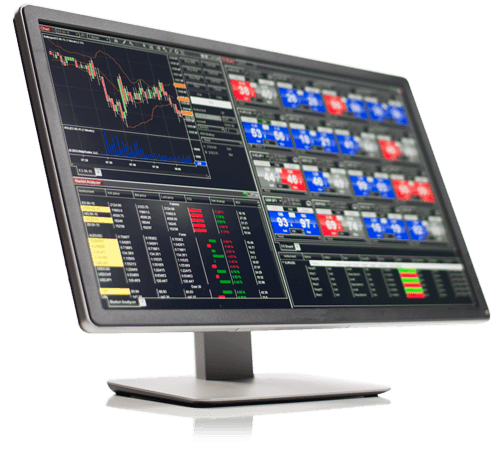

TradeControl is built to run on NinjaTrader©. Platform installation and use are available at no cost. You can download it from the NinjaTrader website by clicking here (opens in a new window).