
Remove the manual handoffs
Stop calculating size separately, switching between windows, rebuilding orders, and configuring fixed ATM templates for every trade.
Define Entry, Stop, and Target visually. TradeControl turns that setup into a risk-sized order, checks your enabled rules, dynamically creates the native ATM strategy, and submits the order to NinjaTrader.
No manual sizing. No separate order entry. No fixed ATM templates to rebuild. No disconnected risk checks.
TradeControl handles trade setup and order submission inside NinjaTrader 8. It does not execute orders in the market or control fills; those remain with your NinjaTrader, broker, and venue setup.
How it works
Define the trade once. TradeControl keeps the position size, order setup, native ATM structure, and enabled risk checks aligned as the chart changes.
Drop Entry, Stop, and Target on the chart and see risk/reward instantly with clean labels.
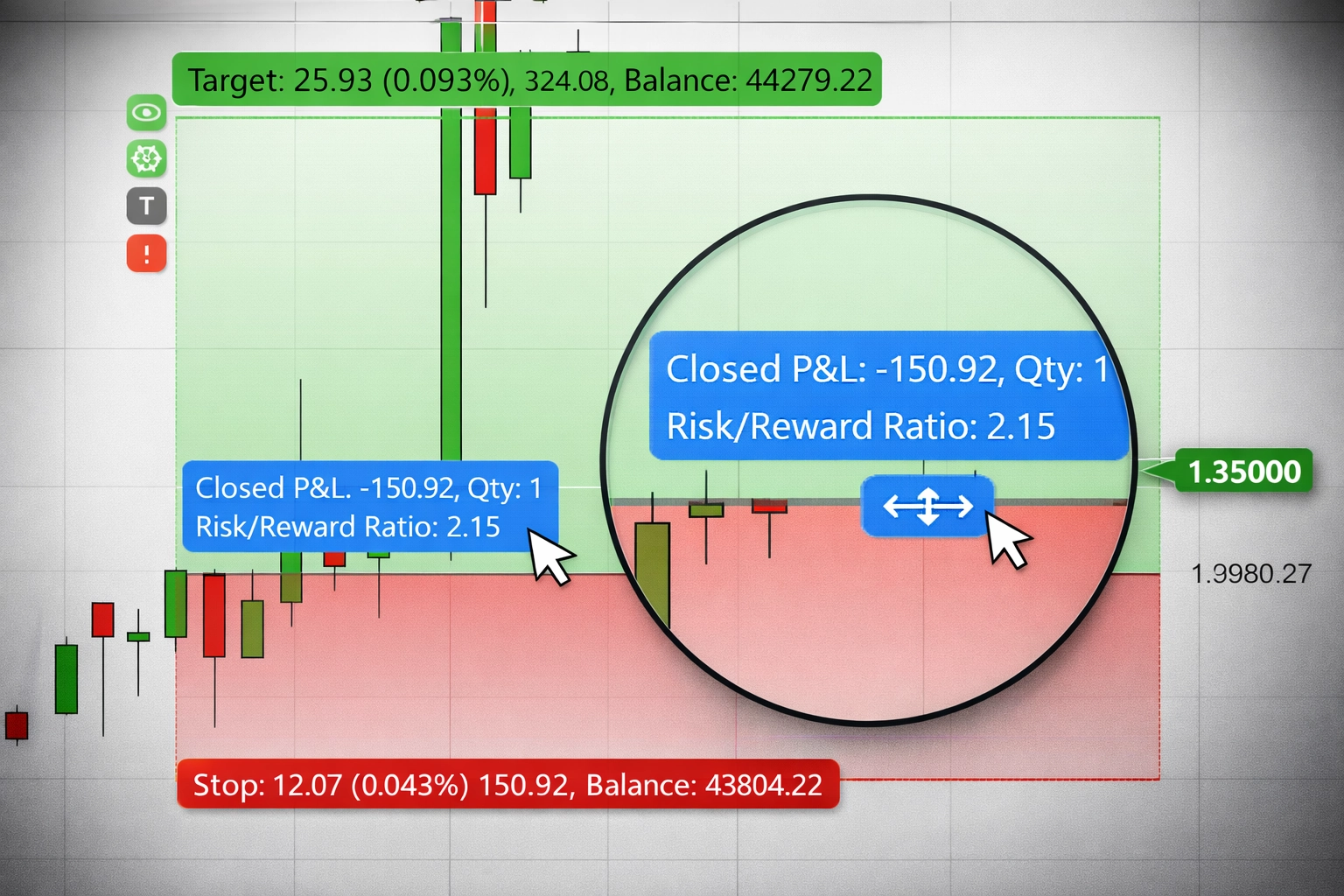
Choose your risk once. As Entry or Stop changes, TradeControl recalculates the position size so the trade stays aligned with that risk.
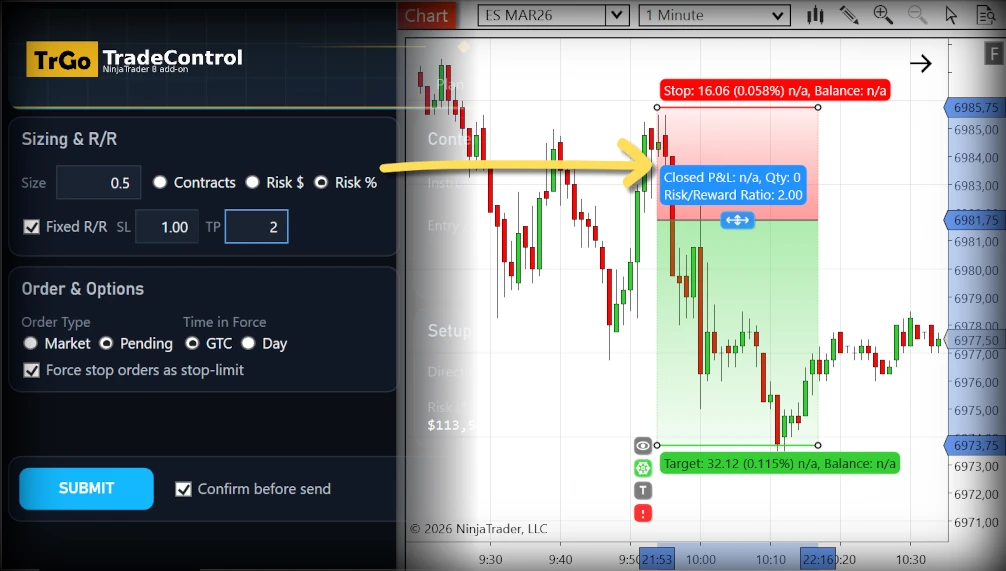
TradeControl prepares the NinjaTrader order from your chart setup, dynamically creates the native ATM strategy, runs the enabled checks, and submits the order to NinjaTrader in one click.
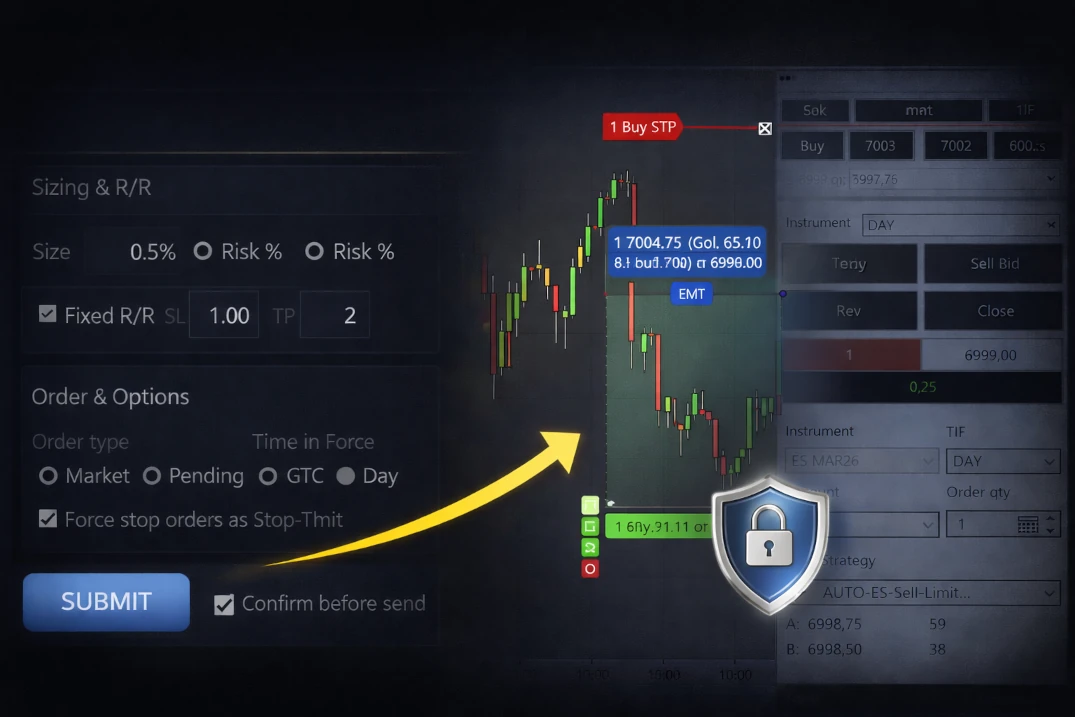
Why the workflow matters
TradeControl connects visual trade setup, dynamic sizing, native ATM creation, order submission, and risk enforcement in one continuous workflow.
Stop calculating size separately, switching between windows, rebuilding orders, and configuring fixed ATM templates for every trade.
Move Entry, Stop, or Target and TradeControl updates the risk, position size, order setup, and ATM structure around what you see on the chart.
TradeControl checks the rules you enable before submission and can block the order from being sent to NinjaTrader from TradeControl when an enabled rule is violated.
TradeControl turns the setup on your chart into a sized, rule-checked order submission to NinjaTrader, with dynamic native ATM creation built into the workflow.
TradeControl connects the decisions you make on the chart to the work it handles for you: position sizing, order preparation, dynamic ATM creation, preflight checks, and submission to NinjaTrader.
See the entry, invalidation point, target, risk, and reward that drive the rest of the workflow in one chart view.
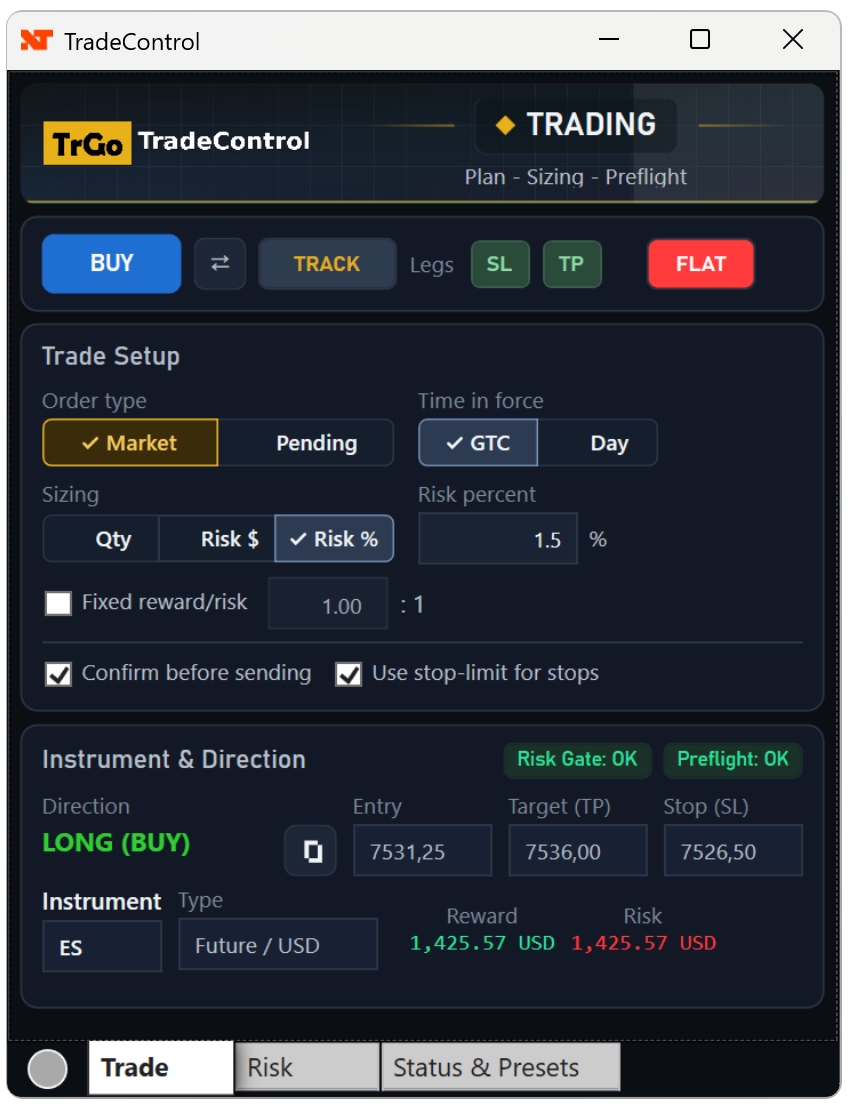
TradeControl generates the native NinjaTrader ATM from your current Entry, Stop, and up to four take-profit targets. No fixed tick template to rebuild, and no separate tool has to keep the orders linked after submission.
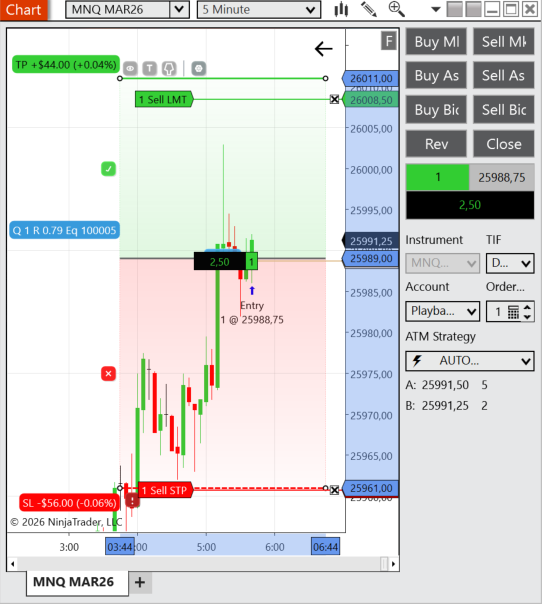
Set size, exposure, daily loss, and protective-stop rules that TradeControl can enforce on orders sent from TradeControl before submission.
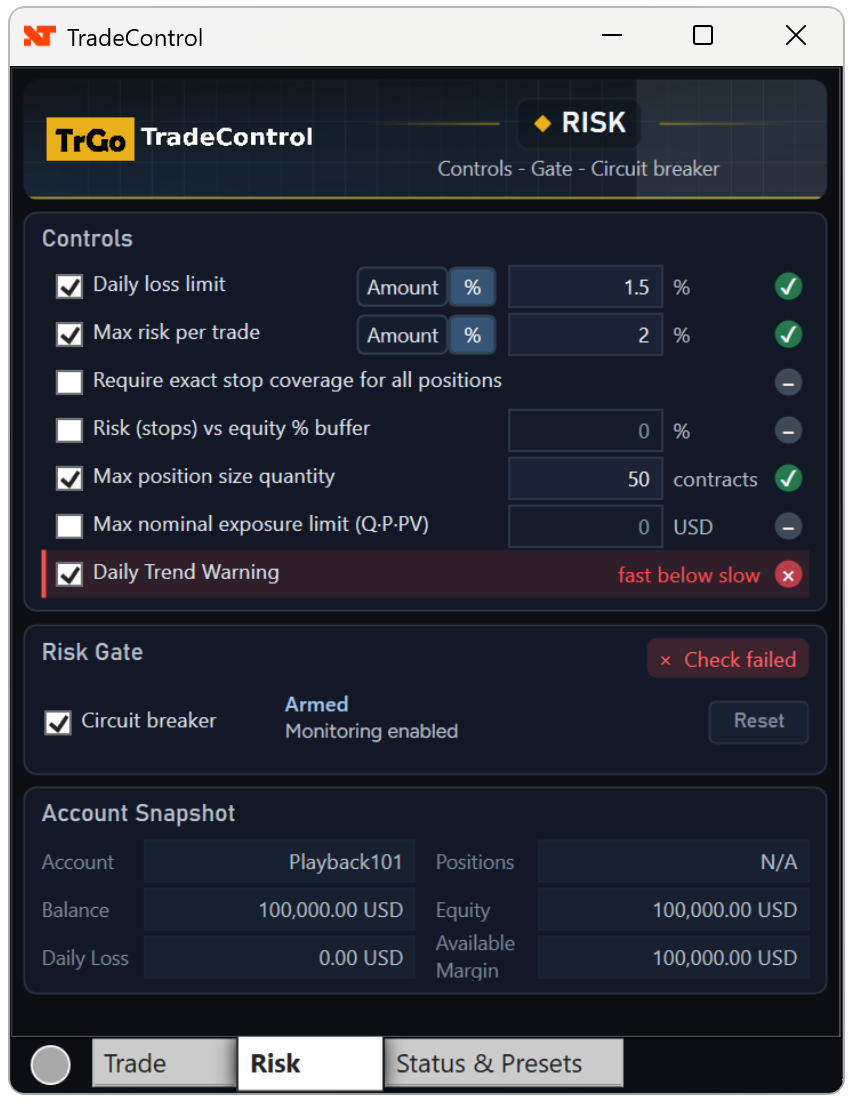
When an enabled limit is breached, the circuit breaker can block new order submissions from TradeControl until you intentionally reset it.
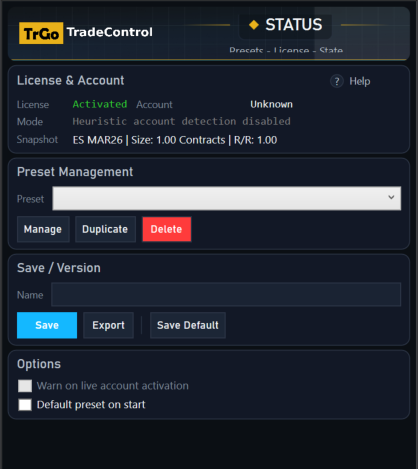

Built for discretionary traders who want speed without giving up control.
Pricing
Best for serious traders
The complete chart-first workflow for visual setup, dynamic sizing, native ATM creation, one-click submission to NinjaTrader, and enabled rule enforcement.
$540 billed annually.
Subscription starts immediately.
Try Pro Free for 14 DaysNo payment required.
Trial ends automatically.
Unlimited installations per license 2 simultaneous active data sessions per user ID
Purchases and trials follow our Terms and Privacy Policy.
One complete toolkit for chart-based order entry,
native ATM creation, and configurable risk control.
Unlimited installations per license 2 simultaneous active market data sessions per User ID
14-day trial includes full Pro functionality. No payment required. Trial ends automatically.What to know before you start your full Pro trial.
TradeControl runs inside NinjaTrader 8 and submits the orders you prepare on the chart directly to the platform.
For trades with a Stop and Target, it dynamically creates a native NinjaTrader ATM strategy from your current chart levels. You do not have to translate them into a fixed tick template or rely on TradeControl to keep the orders linked after submission.
Each User ID may have up to two simultaneous active market data sessions.
Yes. The Trial includes the full TradeControl Pro experience for 14 days.
Access ends automatically after 14 days. The trial does not start a paid subscription or charge you automatically.
To keep using TradeControl Pro, you must explicitly choose a paid subscription.
No. TradeControl works inside NinjaTrader with your existing broker and data-feed connections. It prepares and submits orders to NinjaTrader but does not route or execute them in the market or control their fills.
Yes. Cancel before renewal to avoid future charges.
Manage your subscription to cancel renewal or update your payment method.
No. You choose the trade, define the setup, and decide when to submit it. TradeControl handles the sizing, native ATM creation, enabled checks, and submission to NinjaTrader.
It does not provide signals, make trading decisions, execute orders in the market, or guarantee fills.
In the Risk tab, configure size, exposure, daily loss, and protective-stop rules. TradeControl shows which enabled rules are met and warns of violations. If an enabled rule is violated, it can block that order from being sent to NinjaTrader from TradeControl.
When an enabled limit is breached, the circuit breaker can block further submissions from TradeControl until you intentionally reset it.



TradeControl is built to run on NinjaTrader©. Platform installation and use are available at no cost. You can download it from the NinjaTrader website by clicking here (opens in a new window).